










What should I do if a laser light stops responding to DMX commands? | Vanray Guide
What Should I Do if a Laser Light Stops Responding to DMX Commands?
When a laser light stops responding to DMX commands during a performance or setup, immediate action and proper troubleshooting ensure minimal downtime. This article provides stage lighting professionals with practical, fact-based guidelines to identify and resolve DMX communication issues, using industry best practices.
Initial System Assessment
- Confirm Power Supply:
Ensure the laser light is powered on and connected. Check for blown fuses or tripped breakers.
- Inspect DMX Cables:
Replace suspect cables, as faulty or loose cabling is a common cause of DMX failures (USITT DMX512 Protocol Standards).
- Check Signal Direction:
Verify DMX cables are routed correctly (output to input). Reversing connectors may disrupt signal.
DMX Addressing and Termination
- Verify DMX Address:
Double-check the laser’s DMX address matches the controller’s configuration.
- Check for Dip Switch or Display Errors:
Ensure address settings are correct on the fixture. Reset addresses if in doubt.
- Use DMX Terminators:
Install a 120Ω terminator at the DMX chain’s end to prevent signal reflections and data corruption (Entertainment Services and Technology Association).
Controller and Protocol Troubleshooting
- Test Controller Output:
Confirm controller is operational by sending DMX commands to another fixture.
- Review DMX Universe Settings:
Ensure the controller’s universe matches the fixture’s address range.
- Check for Protocol Mismatches:
The fixture and controller must use compatible DMX protocol versions (DMX512 vs. DMX512-A).
Fixture and Internal Checks
- Reboot the Fixture:
Power cycle the laser light to reset potential internal errors.
- Update Firmware:
Outdated firmware can create compatibility problems. Consult manufacturer updates.
- Inspect Internal DMX Input Board:
If possible, examine the DMX input board for physical or electrical damage.
Eliminate Environmental Factors
- Reduce Signal Interference:
Segregate DMX cables from power sources and wireless transmitters to avoid signal noise.
- Check for Physical Damage:
Assess the fixture and cables for any visible damage or water ingress.
Seek Manufacturer Technical Support
- Consult Manuals:
Reference the fixture’s manual for troubleshooting steps or diagnostic codes.
- Contact Support:
If issues persist, reach out to the manufacturer’s technical support with model and serial numbers available.
Authoritative Sources
- USITT DMX512 Protocol Standards: (https://www.usitt.org/dmx512)
- ESTA (Entertainment Services and Technology Association): (https://tsp.esta.org/tsp/documents/published_docs.php)
- Manufacturer’s manuals and technical guides (refer to specific product documentation)
Optimizing your workflow and understanding what to do when a laser light stops responding to DMX commands minimizes disruptions and keeps your stage lighting consistent and professional. For ongoing reliability, integrate regular testing and maintenance into your setup routines.

760 Waterproof Wash Moving Head Light: The Ultimate Outdoor & Indoor Stage Lighting Solution
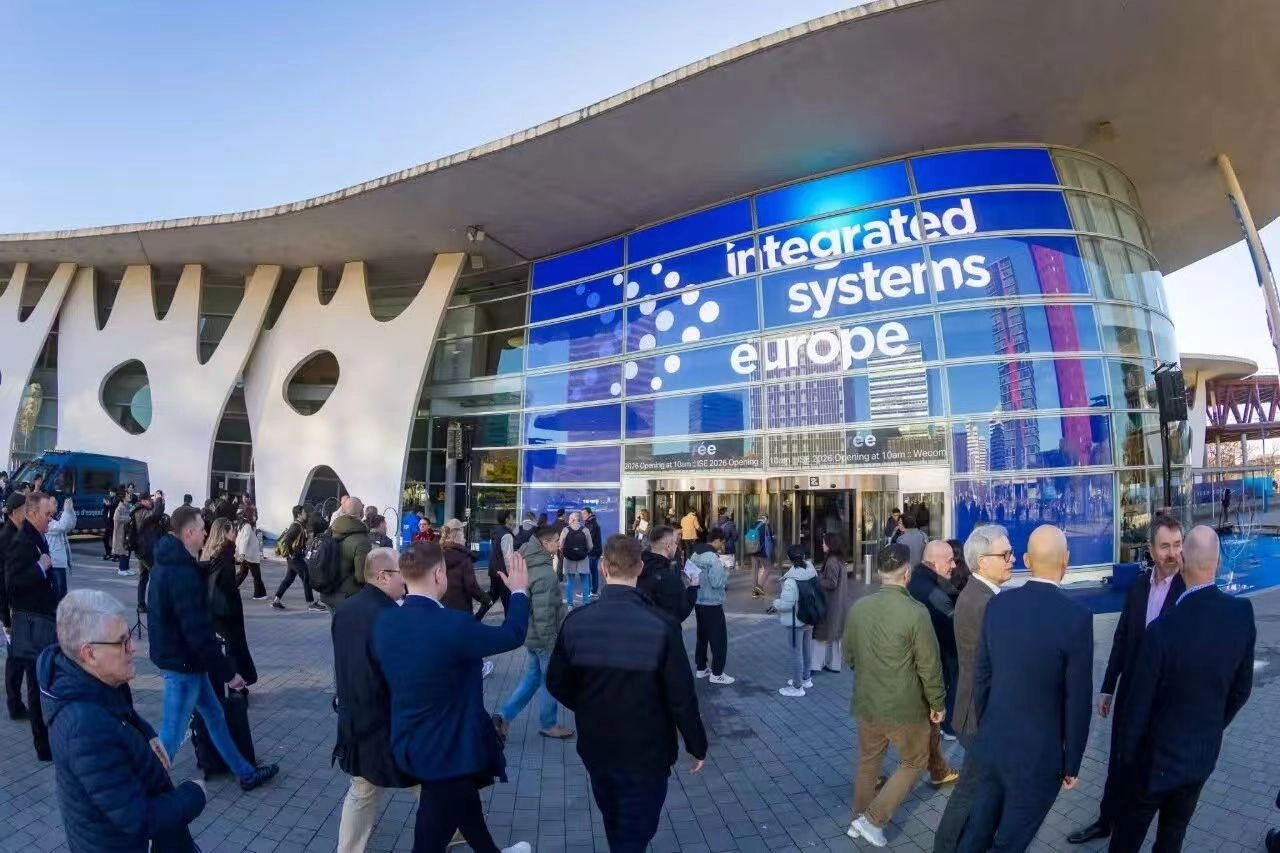
VANRAY ISE 2026 BARCELONA
The 2026 Standard: Transitioning from Conventional PARs to Stage LED Can Lights
Best Weatherproof Stage Fixtures 2026: IP65 Wash Lights
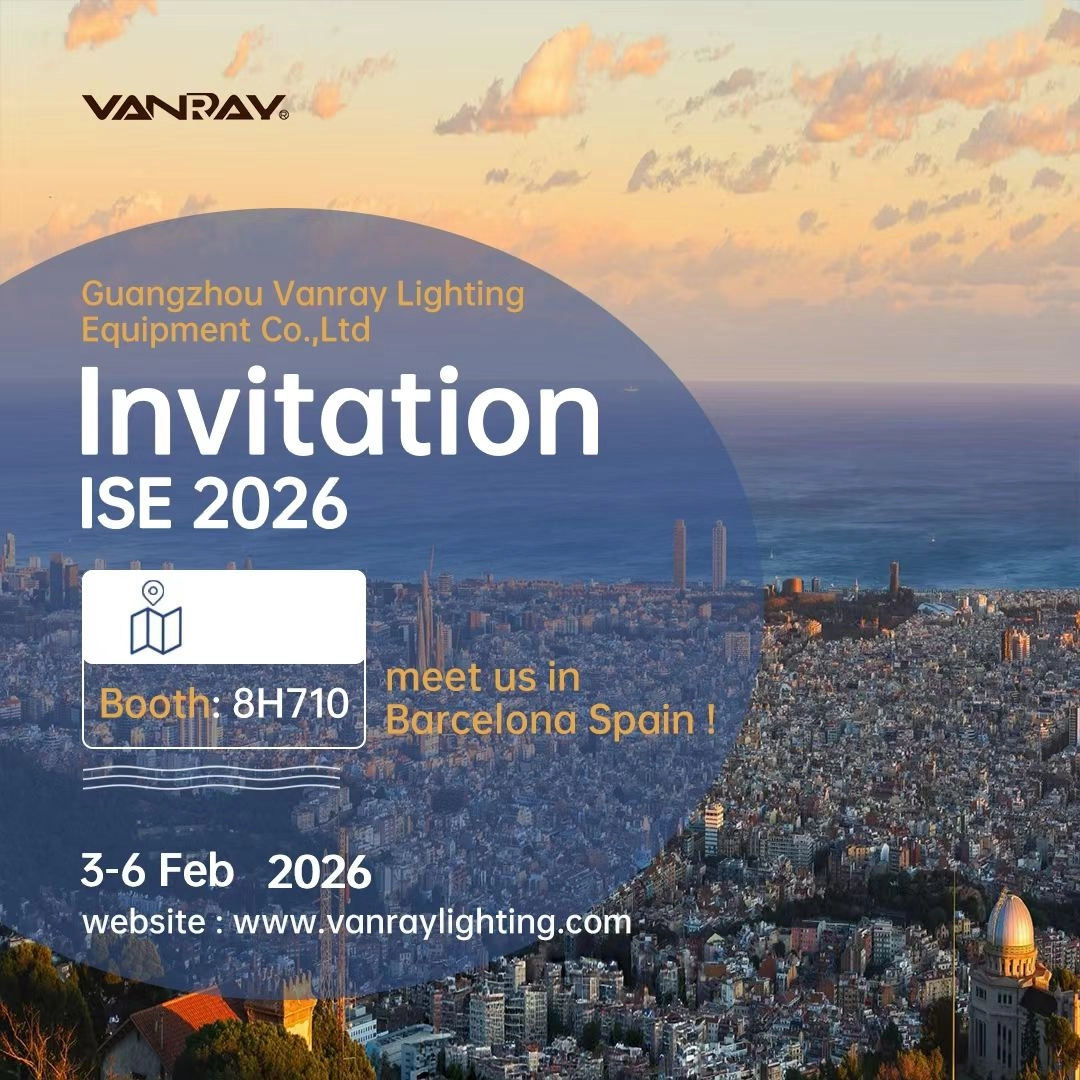
Countdown to the 2026 ISE Exhibition in Spain!
About Company
Can I Visit your company?
Of course, our company is located in No. 7, Sijiaowei Industrial Zone, Tanbu Town, Huadu District, Guangzhou, China. Warmly welcome to visit our factory.
How long has your company been established?
Our company has been established since 2013.
About Logistics
How long does logistics delivery take?
Shipping times depend on your location and the shipping method you choose
1. 5-7 days by express
2. 20–25 days by sea shipping.
3. 15 days by air shipping.
About Cooperation Process
What information do I need to provide to start the cooperation process?
You need to provide your company information, product needs, customization requirements, cooperation intentions and other relevant information.
About After Sales
What should I do if there are problems when using the product?
If you encounter any problems when using the stage lighting products, please contact our customer service team in time, and we will wholeheartedly provide you with technical support and solutions.
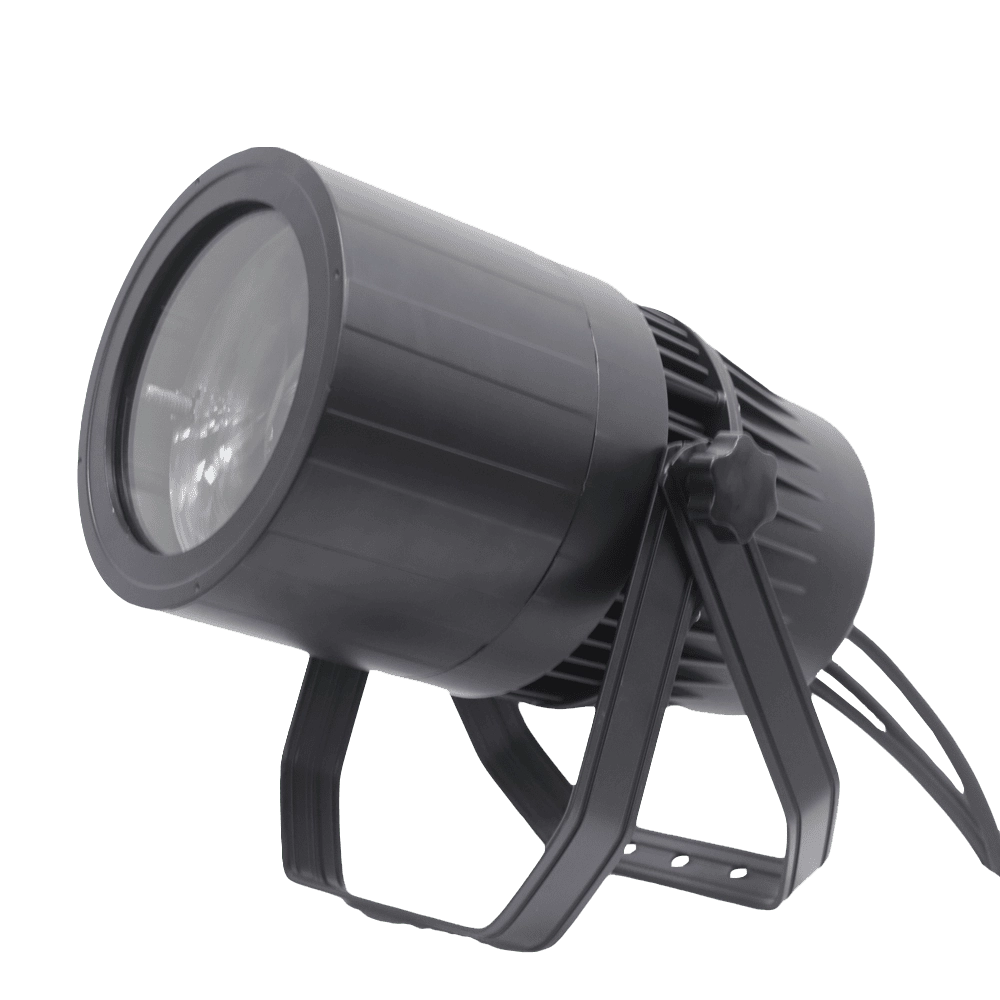
VANRAY Waterproof LED Par Light LP-200Z 200W Zoom Par Light
VANRAY Waterproof LED Par Light LP-200Z 200W Zoom Par Light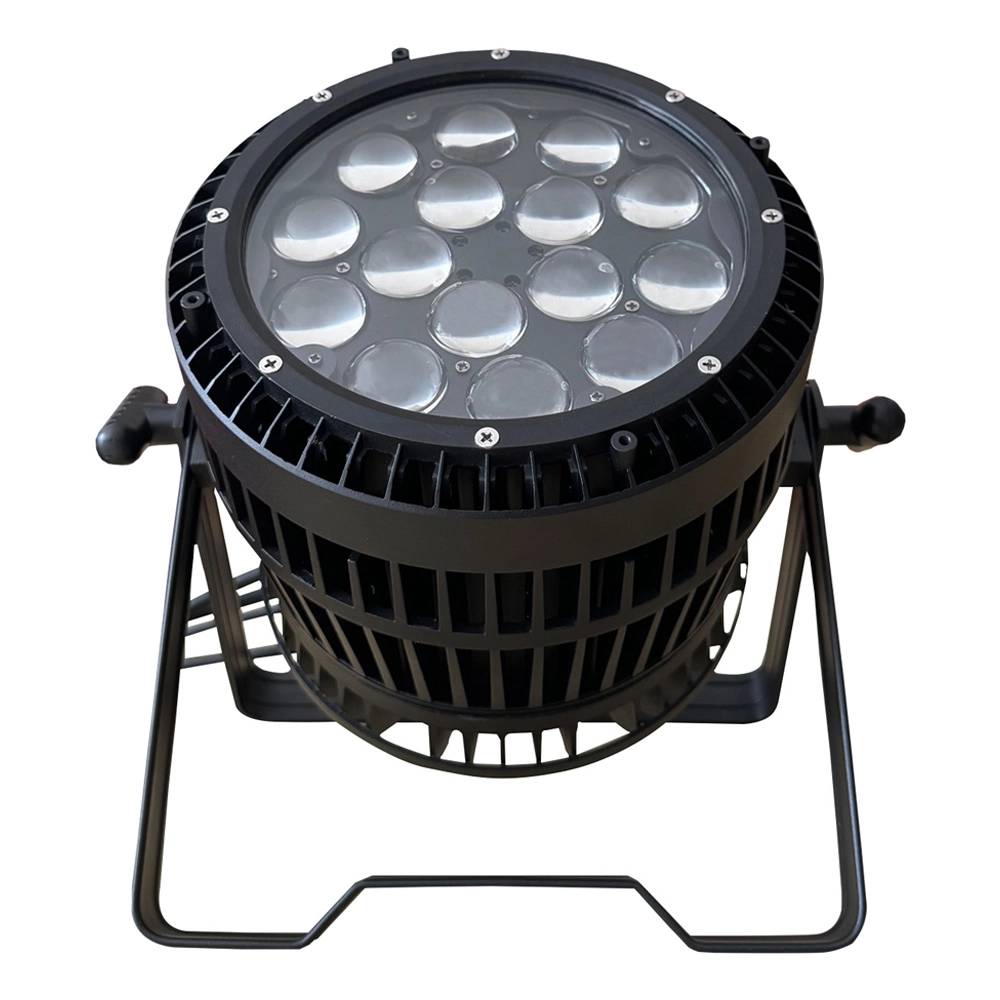
VANRAY LED Par Zoom Wash LP-1515Z 15pcs 15W RGBW Waterproof LED Par Light
VANRAY LED Par Zoom Wash LP-1515Z 15pcs 15W RGBW Waterproof LED Par Light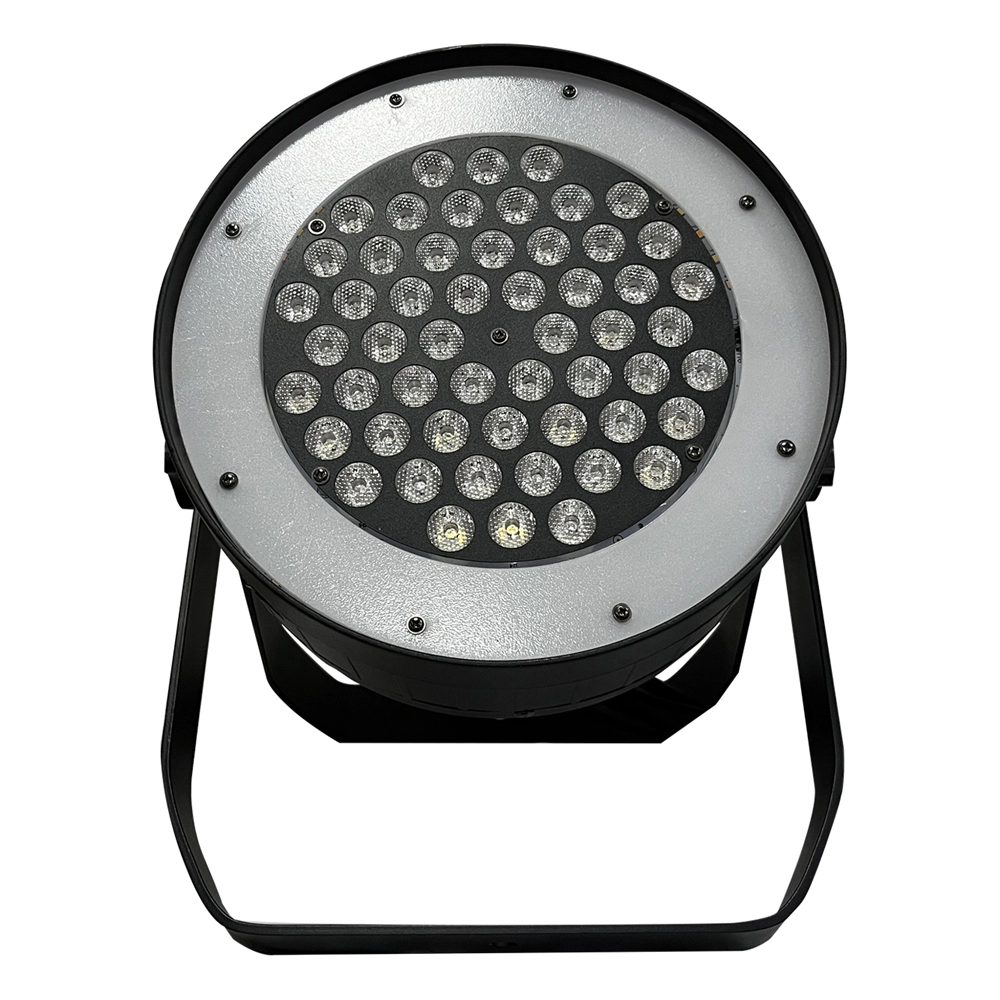
VANRAY Theater LED Par Can Lights LP-350SJL 350W White LED Par Can Lights
VANRAY Theater LED Par Can Lights LP-350SJL 350W White LED Par Can Lights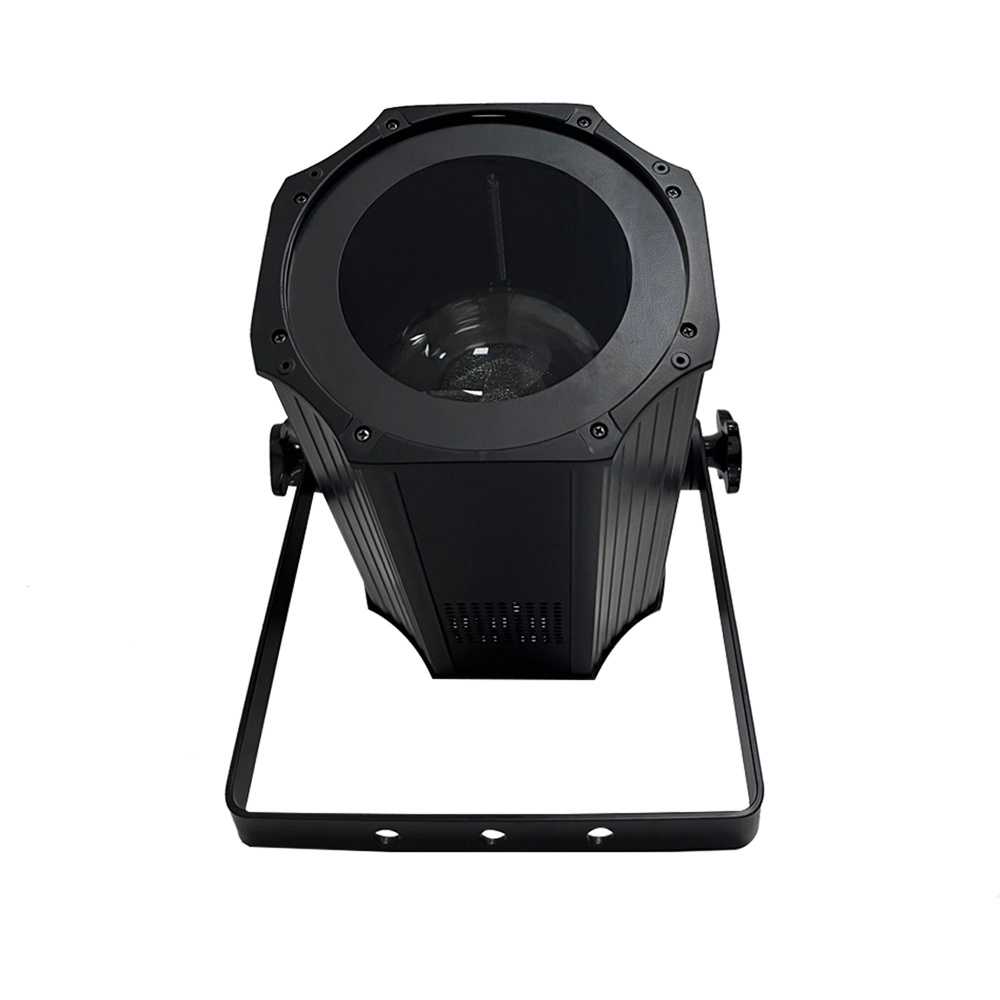
VANRAY LED Par Light Stage LP-200ZC RGBW LED Par Light Suppliers
VANRAY LED Par Light Stage LP-200ZC RGBW LED Par Light SuppliersGet in Touch With VANRAY
Create unforgettable stage moments with our advanced lighting solutions!
Contact us now by filling out the form below or calling us directly to begin your lighting journey!
As a leading Stage Lighting Manufacturer from China, VANRAY Lighting delivers a comprehensive suite of services including innovative R&D, precision production, and professional integration.
Built on decades of technical expertise, we are defined by our commitment to quality and service perfection. From theaters to grand-scale events, VANRAY is the trusted choice for reliable lighting solutions across the global entertainment and architectural sectors.
Copyright © 2025 VANRAY. All Rights Reserved.

Instagram
YouTube
Facebook