










how to set up moving head dj light | Vanray Guide
- How to Set Up Moving Head DJ Light: Industry Expertise for Professionals
- Step-by-Step Guide: How to Set Up Moving Head DJ Light
- Preparation and Planning
- Rigging and Mounting
- Electrical and Data Connections
- Programming and Addressing
- Safety and Compliance
- Best Practices and Troubleshooting
- References, Compliance, and Further Reading
- Key Takeaways
How to Set Up Moving Head DJ Light: Industry Expertise for Professionals
Setting up moving head DJ lights is essential knowledge for stage lighting professionals aiming for dynamic, high-impact lighting designs. This article covers how to set up moving head DJ light, focusing on pain points such as wiring, DMX programming, mounting, and safety—providing efficient, authoritative solutions.
Step-by-Step Guide: How to Set Up Moving Head DJ Light
Preparation and Planning
- Conduct a Site Survey
- Assess venue layout and power access.
- Identify potential mounting positions for optimal light coverage ((https://www.usitt.org/)).
- Inventory Check
- Verify equipment condition.
- Confirm availability of necessary accessories: clamps, DMX cables, safety wires.
- Understand the Light Specifications
- Review manufacturer manuals for power requirements and data connections.
- Confirm fixture compatibility with existing DMX control systems.
Rigging and Mounting
- Choose Safe Rigging Points
- Use truss or secure lighting bars for installation.
- Always attach certified safety cables as per ANSI E1.6-3-2012 standards.
- Install the Fixtures
- Secure lights using approved clamps.
- Maintain consistent orientation for programming accuracy.
Electrical and Data Connections
- Power Connections
- Use dedicated, properly rated circuits to prevent overloading ((https://www.etcconnect.com/Support/Articles/Power-Requirements.aspx)).
- Avoid daisy-chaining too many units; follow manufacturer guidelines.
- DMX and Data Wiring
- Connect fixtures in series using DMX cables.
- Terminate the DMX line with a 120-ohm resistor at the final fixture to prevent signal reflection.
Programming and Addressing
- Set DMX Addresses
- Assign each moving head a unique address, per console and patch sheet.
- Consider using manufacturer software or RDM (Remote Device Management) where available.
- Test Fixture Movement and Functions
- Run basic programs to check pan, tilt, color, and gobo accuracy.
- Adjust positions and focus as required.
Safety and Compliance
- Inspect All Mounting and Cabling
- Visually check for secure rigging and tidy cable management.
- Perform electrical safety tests per local codes ((https://www.nfpa.org/NEC)).
- Backup Show Files and Settings
- Save console scenes and fixture configurations to avoid data loss.
Best Practices and Troubleshooting
- Routine Maintenance
- Clean lenses and fans according to the fixture's service schedule.
- Update firmware to enhance performance and security.
- Troubleshooting Tips
- Check DMX continuity with a tester when issues arise.
- Reboot fixtures and controllers if communication fails.
References, Compliance, and Further Reading
- USITT: Stage Lighting Safety Standards
- ETC Connect: Power and DMX Fundamentals
- ANSI E1.6: Rigging Requirements
- Manufacturer’s User Manuals
Key Takeaways
- Proper setup ensures reliability, safety, and professional performance.
- Regular maintenance prevents common failures.
- Always follow manufacturer and industry safety standards.

760 Waterproof Wash Moving Head Light: The Ultimate Outdoor & Indoor Stage Lighting Solution
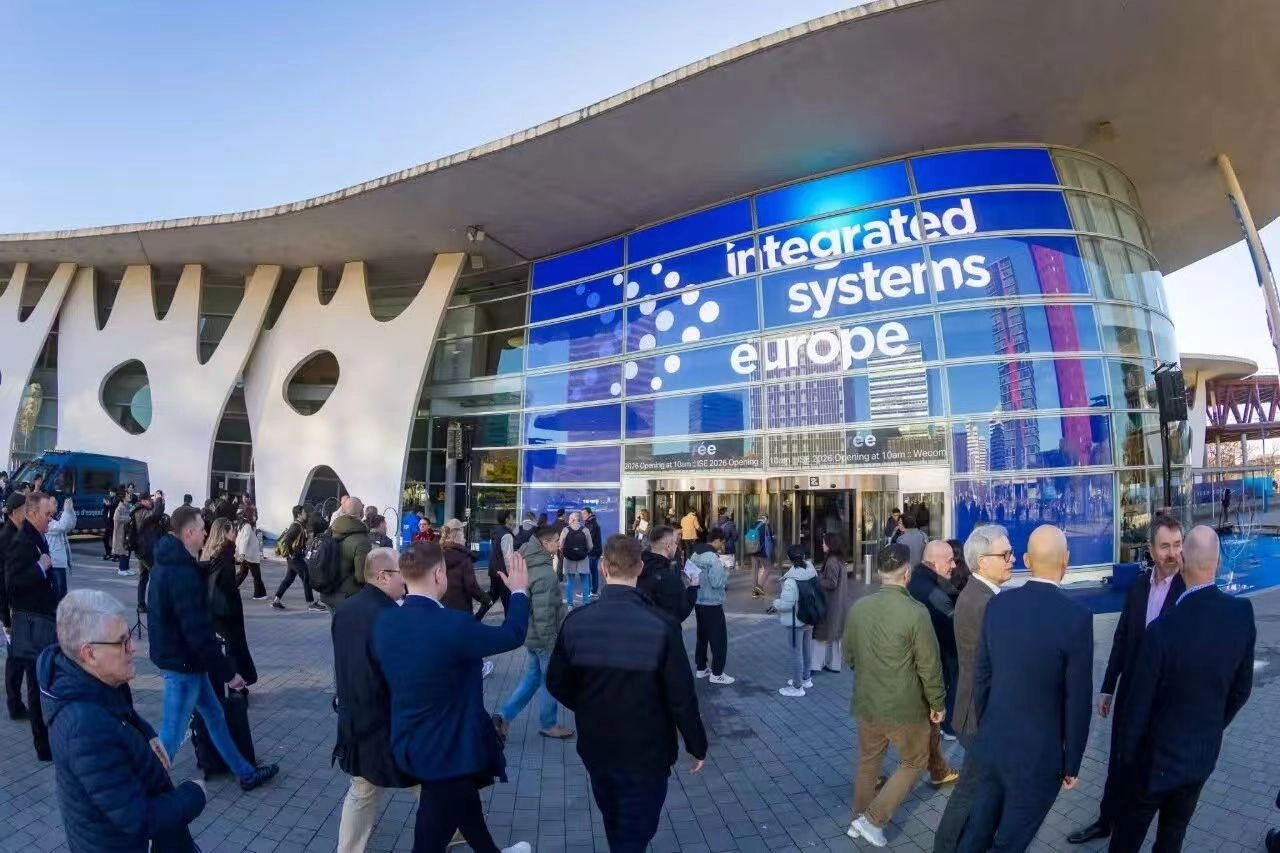
VANRAY ISE 2026 BARCELONA
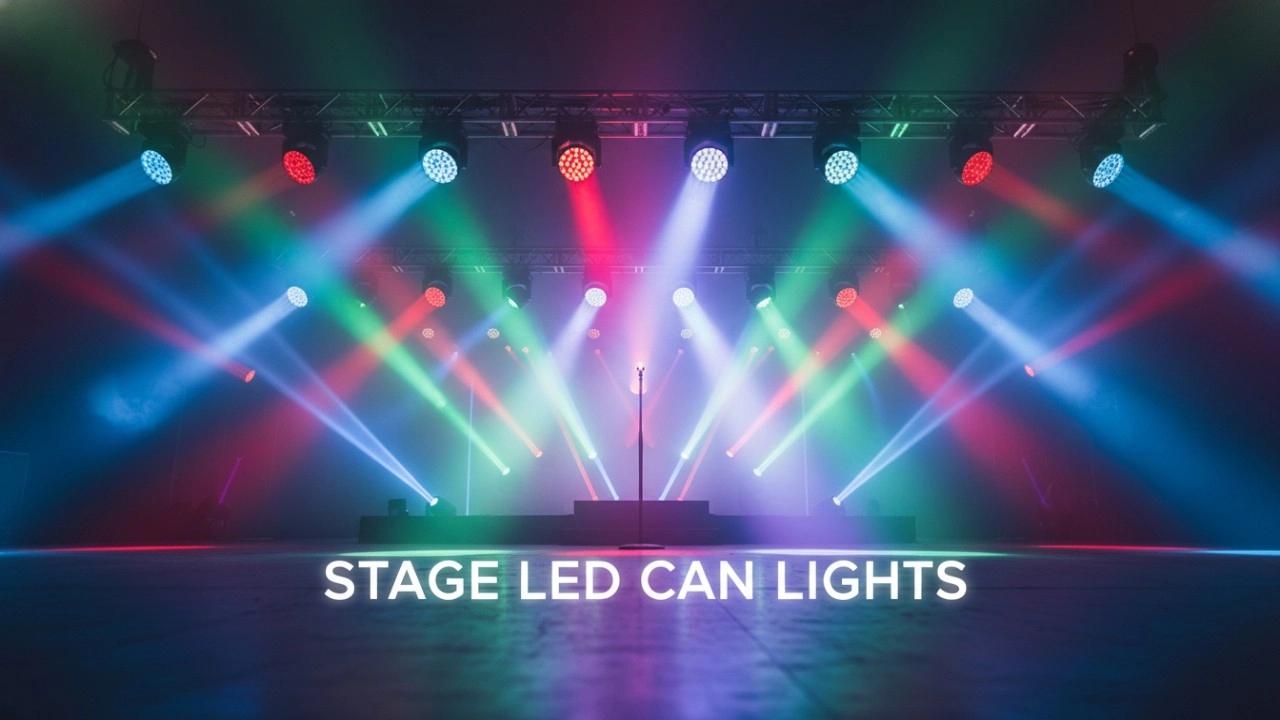
The 2026 Standard: Transitioning from Conventional PARs to Stage LED Can Lights
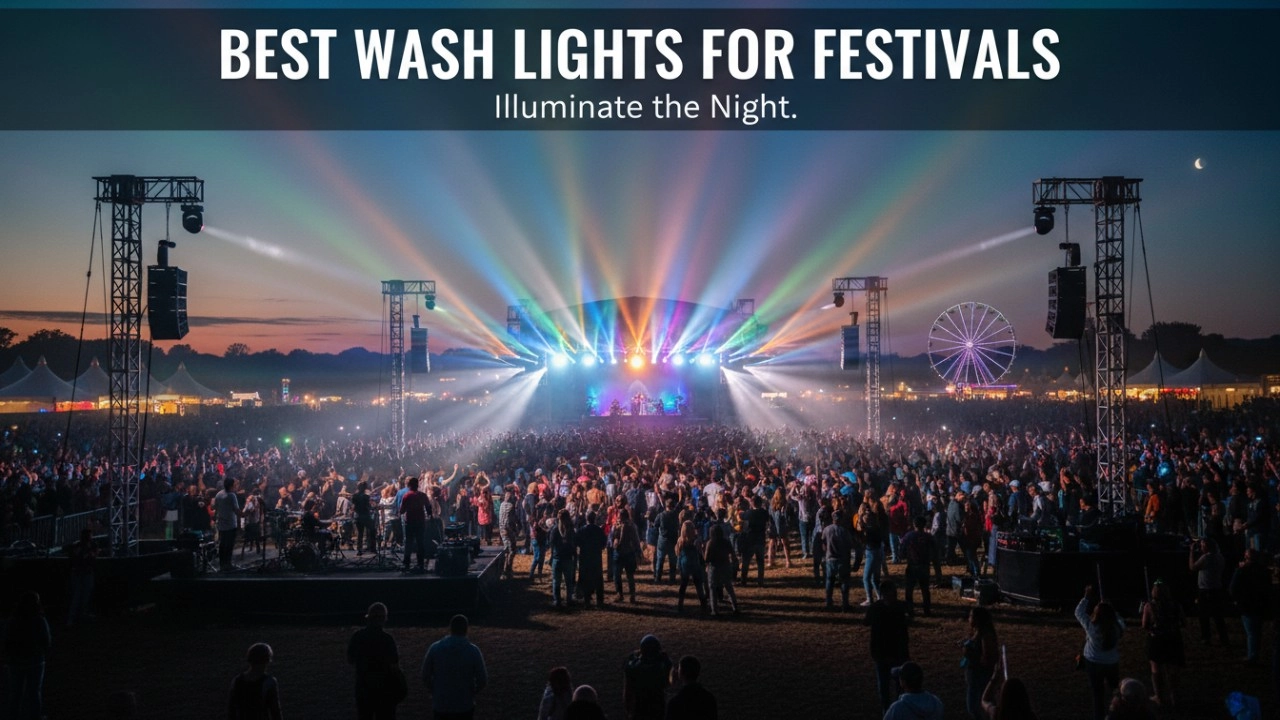
Best Weatherproof Stage Fixtures 2026: IP65 Wash Lights

Countdown to the 2026 ISE Exhibition in Spain!
About After Sales
What is the product quality guarantee time ?
Our stage lighting product guarantee time is 1 year; all products can support after-sale service during this period; if lights are broken, we can provide spare parts for free.
About Company
What is the main product of your company ?
Our main products covers moving head light , led profile spot light , led fresnel , led panel , led wall washer , gobo projector , led strobe light, etc.
About Logistics
Does your product support global logistics and distribution?
Yes, our products support global logistics and distribution services, and you can receive our products anytime and anywhere.
About Product
What is the delivery time of orders ?
Its based on the workshop schedule; if products are in stock, we will ship the goods within 1-2 days; if products are out of stock, we need to make production; normally 100-200 pieces can be finished in 7-10 days.
About Customized Services
How long does customized service take?
The time for customized services depends on your specific needs and order volume. Generally speaking, normally 2-3 days, we will provide you with customized solutions as soon as possible.
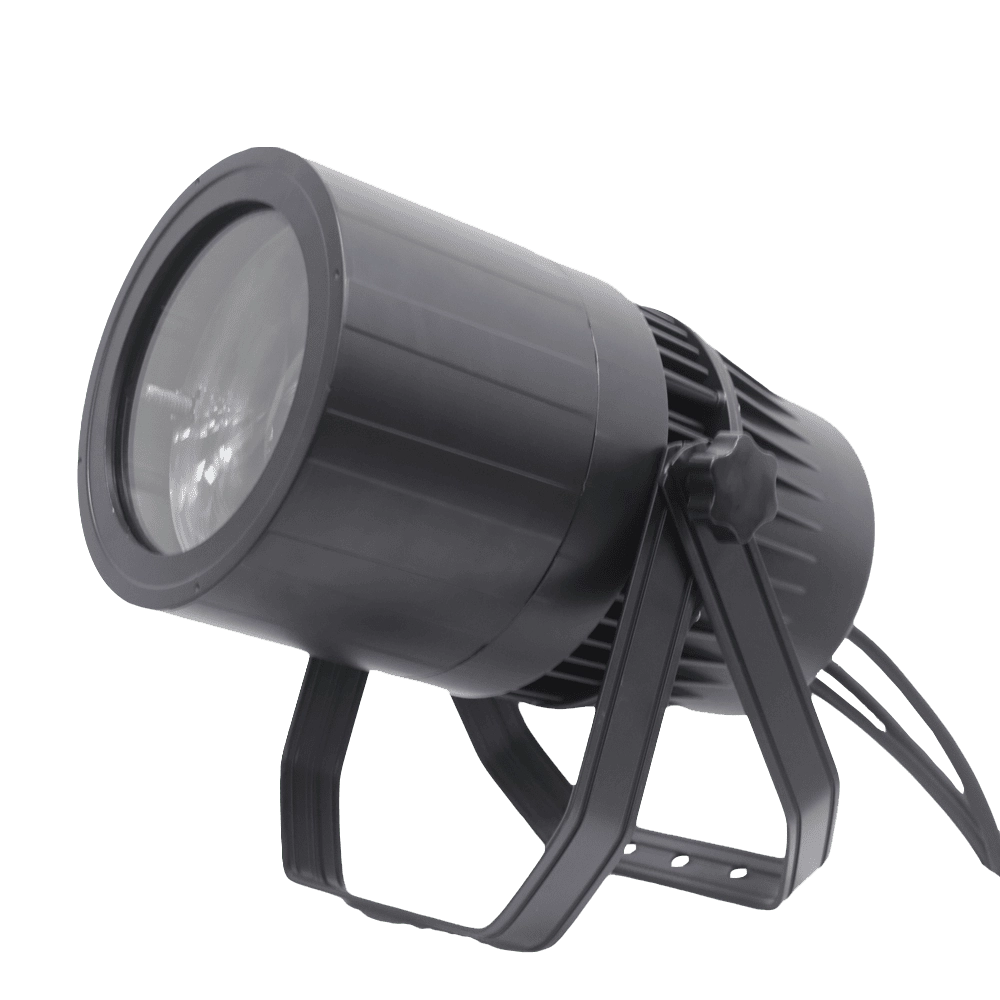
VANRAY Waterproof LED Par Light LP-200Z 200W Zoom Par Light
VANRAY Waterproof LED Par Light LP-200Z 200W Zoom Par Light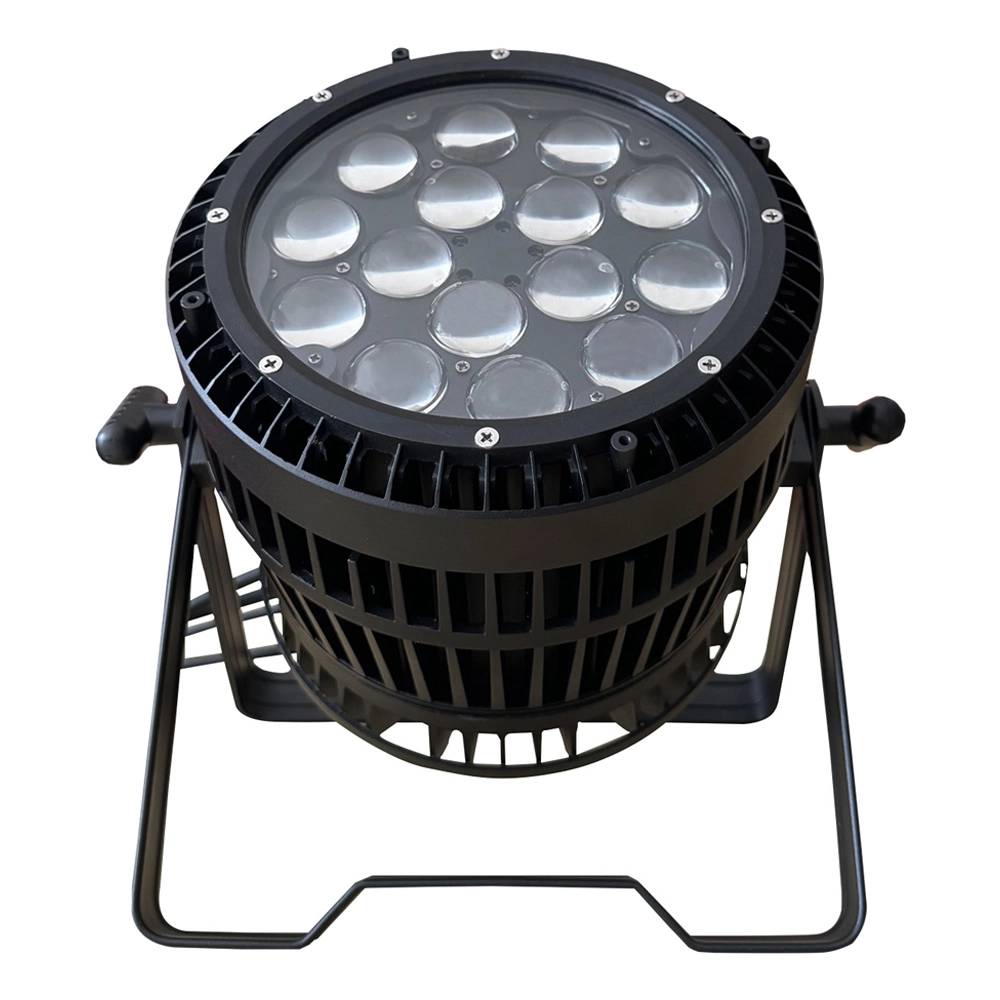
VANRAY LED Par Zoom Wash LP-1515Z 15pcs 15W RGBW Waterproof LED Par Light
VANRAY LED Par Zoom Wash LP-1515Z 15pcs 15W RGBW Waterproof LED Par Light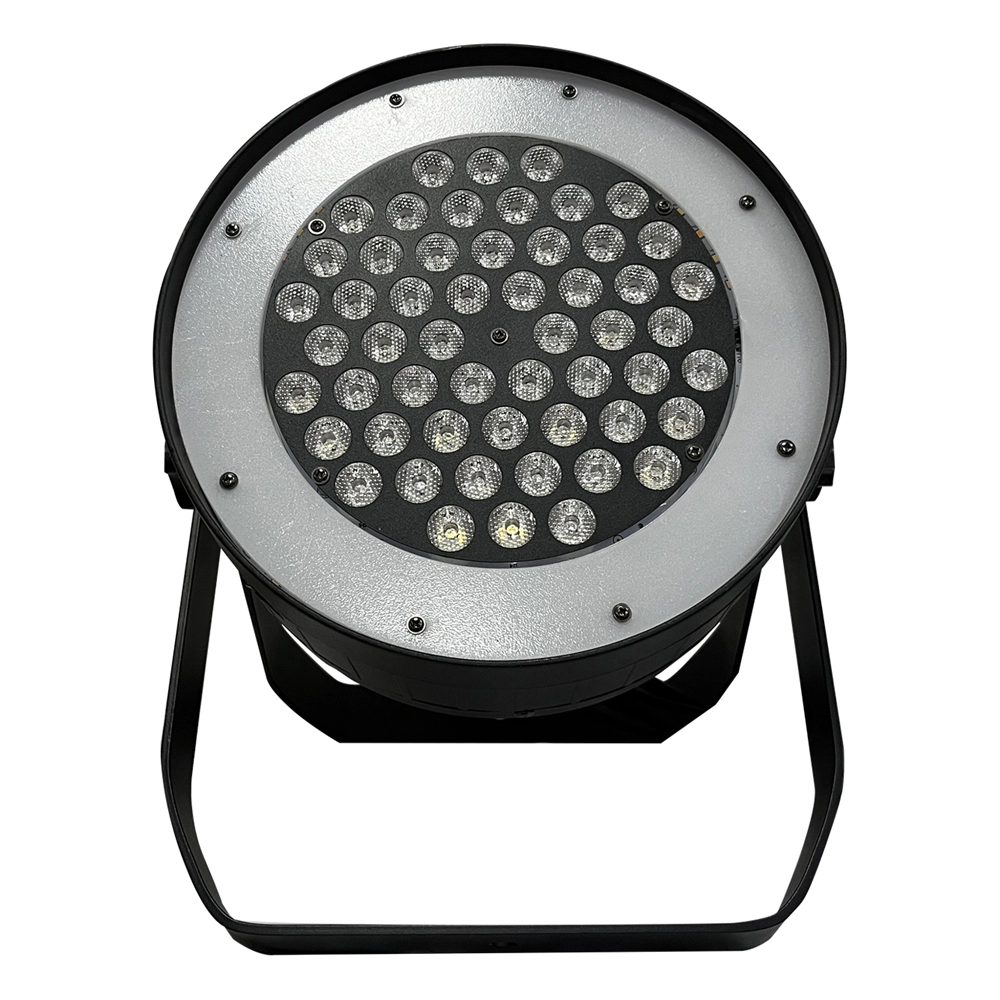
VANRAY Theater LED Par Can Lights LP-350SJL 350W White LED Par Can Lights
VANRAY Theater LED Par Can Lights LP-350SJL 350W White LED Par Can Lights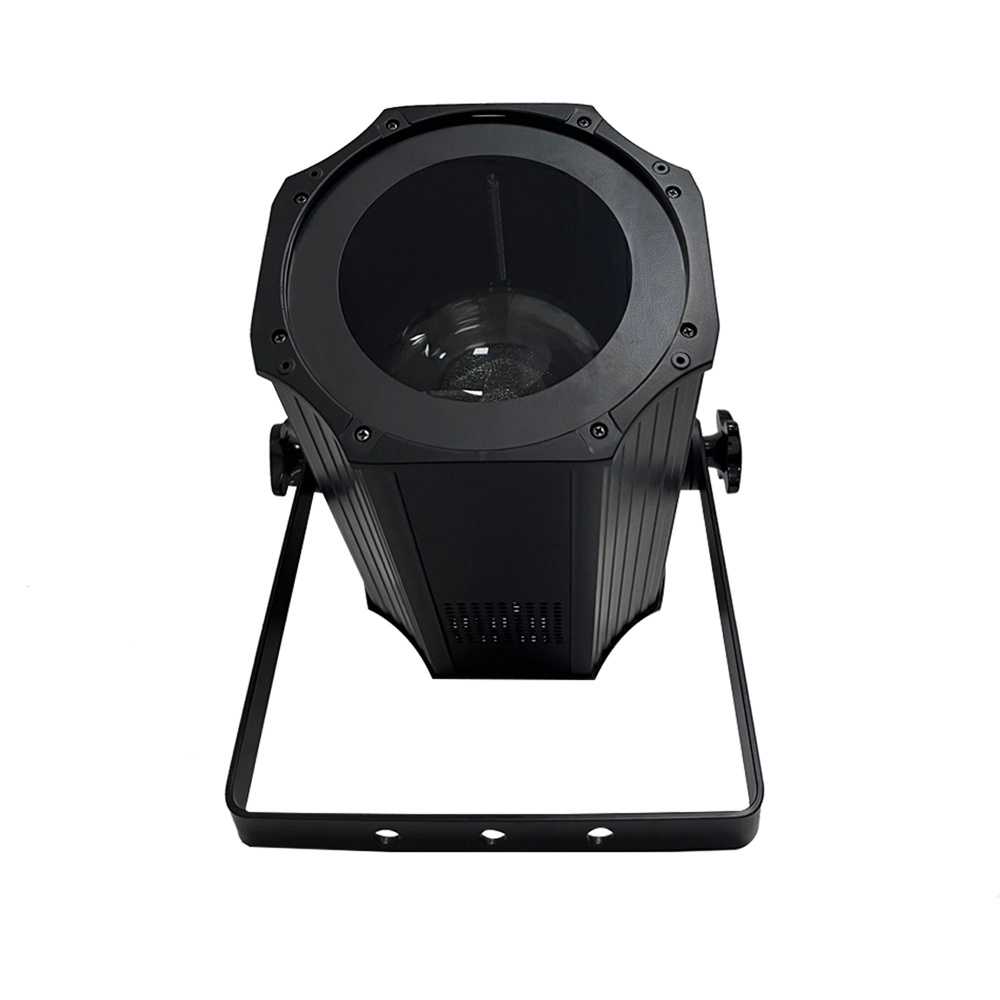
VANRAY LED Par Light Stage LP-200ZC RGBW LED Par Light Suppliers
VANRAY LED Par Light Stage LP-200ZC RGBW LED Par Light SuppliersGet in Touch With VANRAY
Create unforgettable stage moments with our advanced lighting solutions!
Contact us now by filling out the form below or calling us directly to begin your lighting journey!
As a leading Stage Lighting Manufacturer from China, VANRAY Lighting delivers a comprehensive suite of services including innovative R&D, precision production, and professional integration.
Built on decades of technical expertise, we are defined by our commitment to quality and service perfection. From theaters to grand-scale events, VANRAY is the trusted choice for reliable lighting solutions across the global entertainment and architectural sectors.
Copyright © 2025 VANRAY. All Rights Reserved.

Instagram
YouTube
Facebook