










How do I reset a moving head light after a firmware update? | Vanray Guide
How Do I Reset a Moving Head Light After a Firmware Update?
Understanding how to reset a moving head light after a firmware update is crucial for ensuring optimal stage lighting performance and minimizing downtime. This guide is designed for stage lighting professionals who need reliable, step-by-step instructions to quickly restore functionality after updating device firmware.
Why Resetting Is Necessary After Firmware Updates
- Firmware updates enhance features, fix bugs, and resolve compatibility issues.
- Resetting ensures new firmware loads correctly and clears potential software glitches.
- Post-update resets reinitialize hardware to match updated software configurations according to industry best practices ((https://usitt.org), (https://www.plasa.org)).
Pre-Reset Checklist
- Power down the moving head light and allow 30 seconds before starting.
- Disconnect the fixture from the DMX control chain.
- Confirm that the firmware update process has fully completed.
- Review your device’s specific manual for model-related reset steps.
Step-by-Step: Resetting Your Moving Head Light
- Hard Reset (Most Common Method):
- Disconnect the fixture from main power.
- Wait at least 30 seconds for full discharge.
- Reconnect power and power on the fixture.
- Allow the light to perform its internal boot/self-test cycle.
- Manual Menu Reset (If Fixture Supports Onboard Menu):
- Use the onboard display panel.
- Navigate to: *Settings > Utilities > Factory Reset* (menu path may vary).
- Select *Reset* and confirm action.
- Wait for the fixture to restart automatically.
- DMX Remote Reset (If Supported by Your Fixture & Controller):
- Ensure correct DMX addressing.
- Use lighting desk software or controller preset reset command.
- Send reset command; fixture will reboot and recalibrate.
Troubleshooting After Reset
- Check for error messages on the onboard display.
- Verify all movement and functions: Pan, tilt, color, gobo, and focus.
- Re-update firmware only if instructed by the manufacturer or if persistent issues occur.
- Contact technical support for repeated failures—cite the fixture model, firmware version, and exact reset sequence tried.
Expert Recommendations
- Use only official firmware from the manufacturer.
- Always perform resets according to the manufacturer's specifications ((https://www.etcconnect.com/), (https://www.martin.com/), (https://www.chauvetprofessional.com/)).
- Keep a log of update and reset actions for each fixture in your inventory.
Safety Precautions
- Avoid resets during live productions unless urgently required.
- Never interrupt power during firmware updates or initial post-update boot-up.
- Use surge-protected circuits to prevent accidental power loss.
For more stage lighting expertise and technical support, browse Vanray’s knowledge base or contact our technical team.
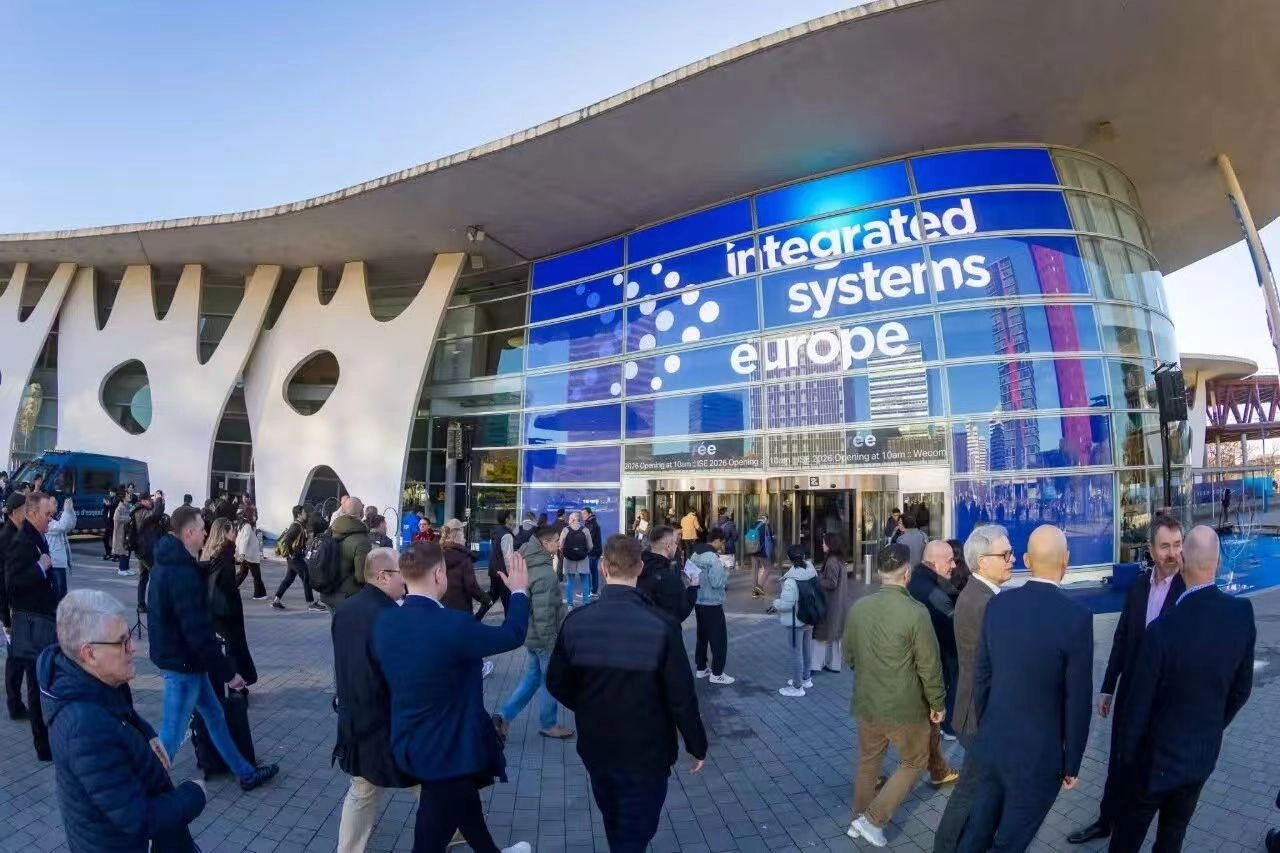
VANRAY ISE 2026 BARCELONA
The 2026 Standard: Transitioning from Conventional PARs to Stage LED Can Lights
Best Weatherproof Stage Fixtures 2026: IP65 Wash Lights

Countdown to the 2026 ISE Exhibition in Spain!

The Ultimate Guide to Lights for Festivals: 2026 Innovation and Design Trends
About Cooperation Process
How to start working with your company?
You can contact us through our official website or contact information, and our sales team will be happy to assist you.
About Product
Can you accept the sample order?
Yes, we can. The sample order for trial is acceptable.
What is the delivery time of orders ?
Its based on the workshop schedule; if products are in stock, we will ship the goods within 1-2 days; if products are out of stock, we need to make production; normally 100-200 pieces can be finished in 7-10 days.
About Customized Services
What is minimum order quantity requirement for customization services?
No MOQ
About Logistics
Does your product support global logistics and distribution?
Yes, our products support global logistics and distribution services, and you can receive our products anytime and anywhere.
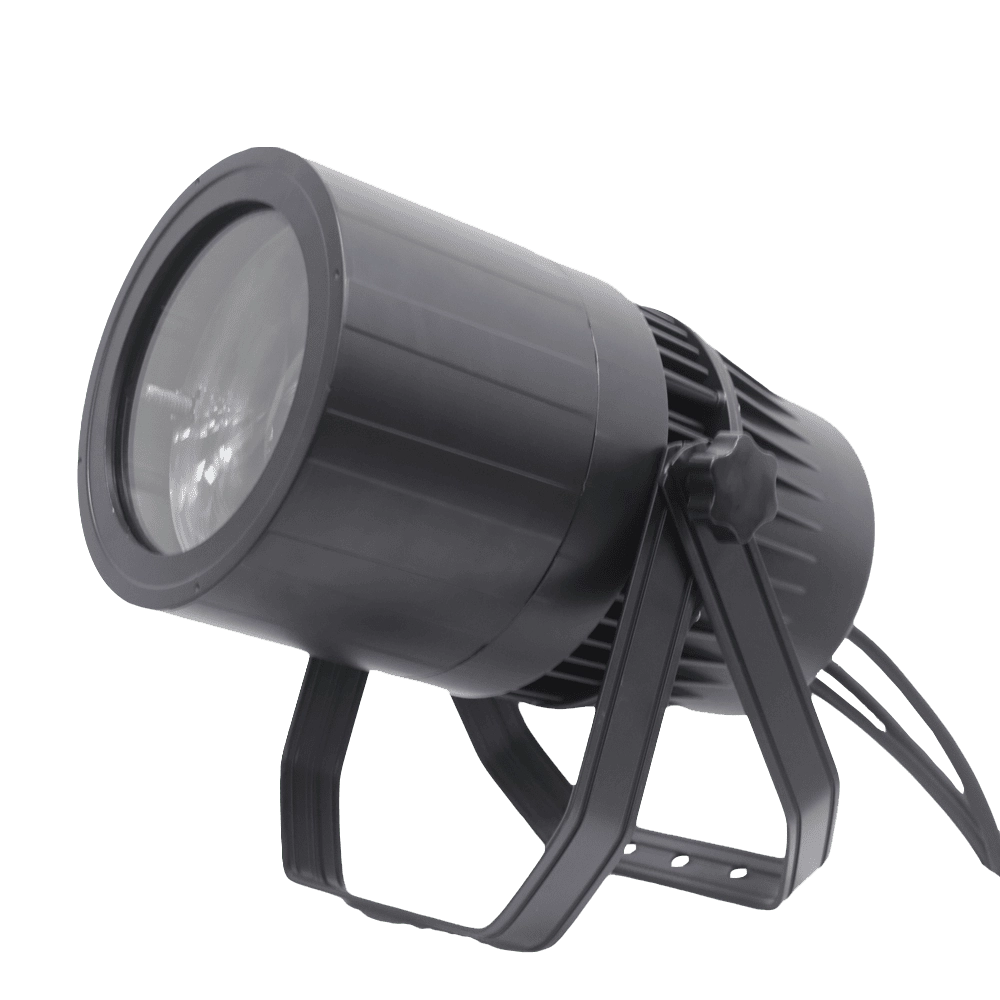
VANRAY Waterproof LED Par Light LP-200Z 200W Zoom Par Light
VANRAY Waterproof LED Par Light LP-200Z 200W Zoom Par Light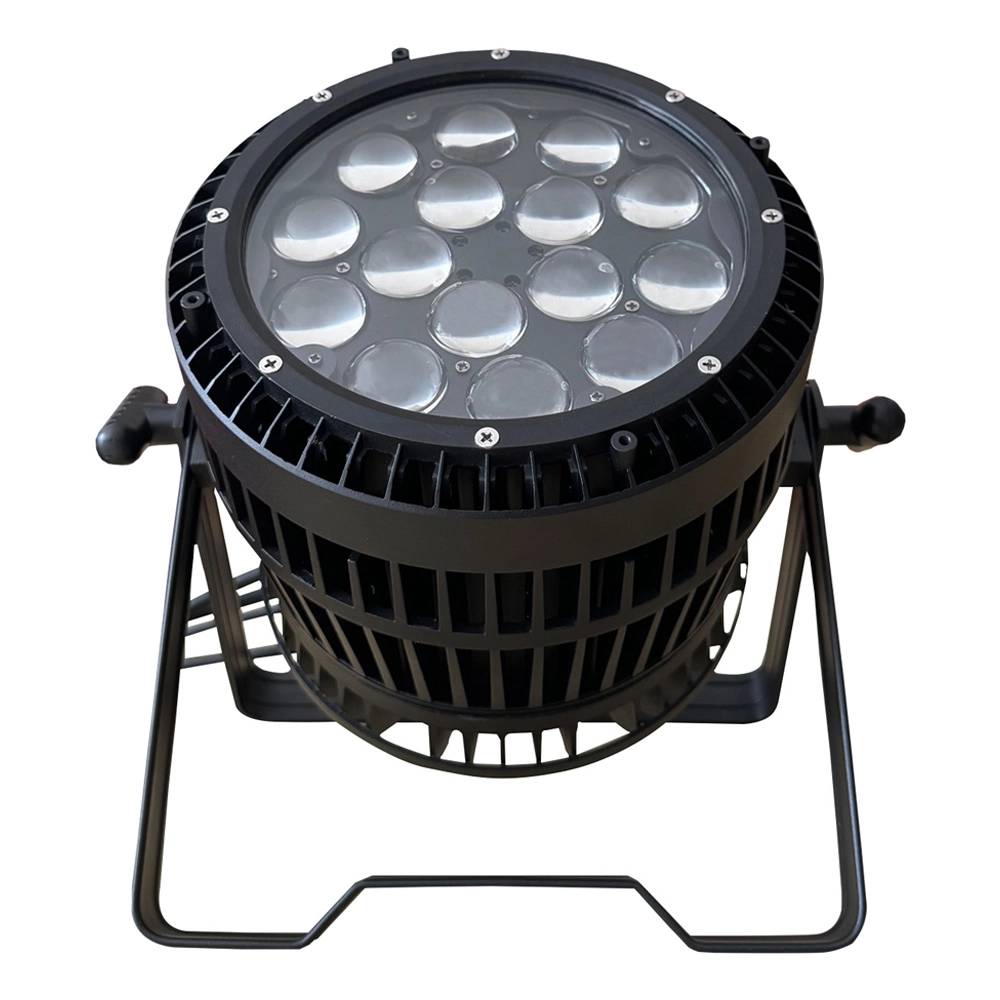
VANRAY LED Par Zoom Wash LP-1515Z 15pcs 15W RGBW Waterproof LED Par Light
VANRAY LED Par Zoom Wash LP-1515Z 15pcs 15W RGBW Waterproof LED Par Light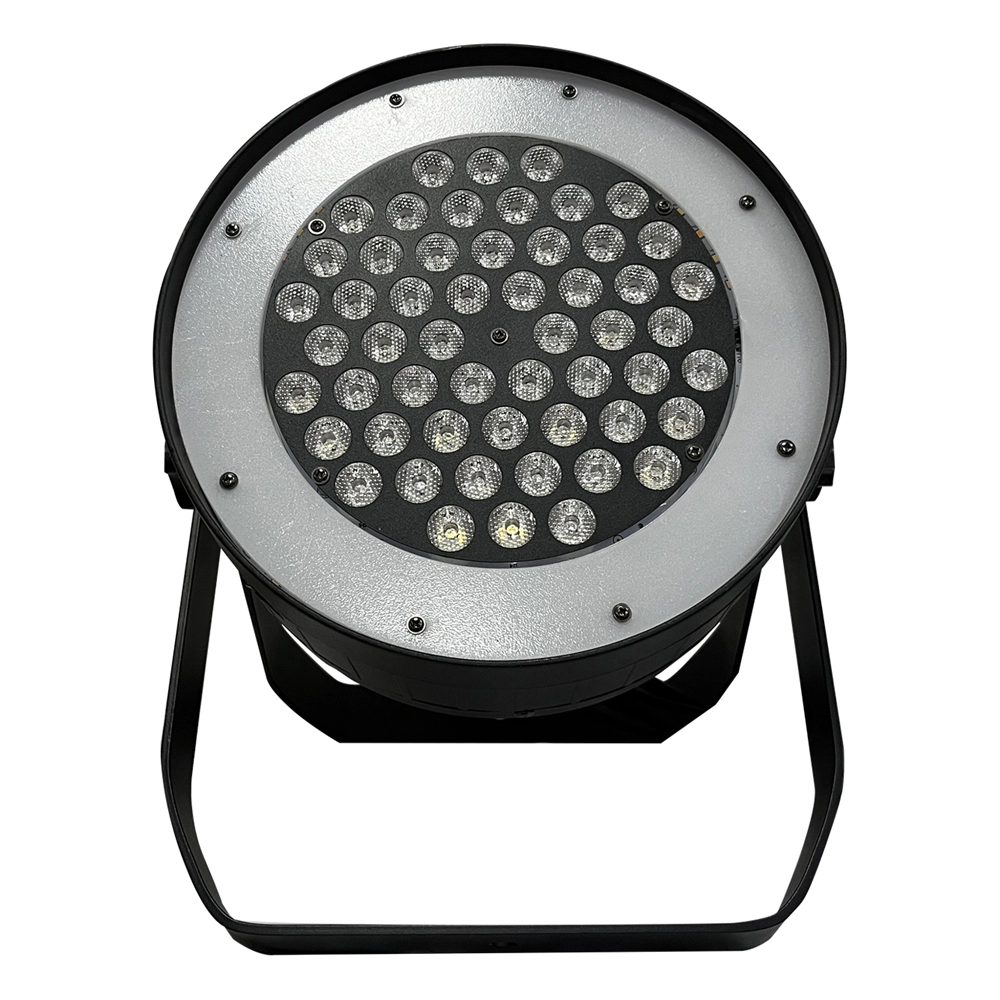
VANRAY Theater LED Par Can Lights LP-350SJL 350W White LED Par Can Lights
VANRAY Theater LED Par Can Lights LP-350SJL 350W White LED Par Can Lights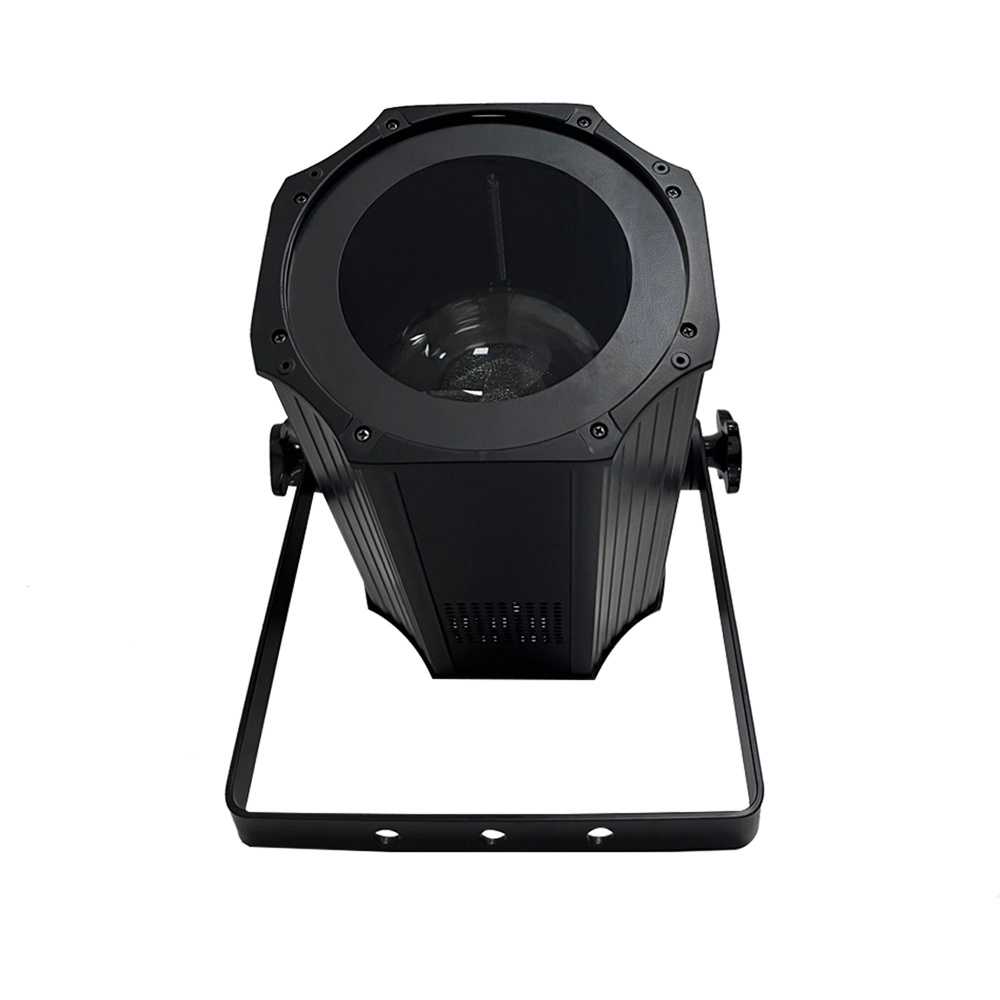
VANRAY LED Par Light Stage LP-200ZC RGBW LED Par Light Suppliers
VANRAY LED Par Light Stage LP-200ZC RGBW LED Par Light SuppliersGet in Touch With VANRAY
Create unforgettable stage moments with our advanced lighting solutions!
Contact us now by filling out the form below or calling us directly to begin your lighting journey!
As a leading Stage Lighting Manufacturer from China, VANRAY Lighting delivers a comprehensive suite of services including innovative R&D, precision production, and professional integration.
Built on decades of technical expertise, we are defined by our commitment to quality and service perfection. From theaters to grand-scale events, VANRAY is the trusted choice for reliable lighting solutions across the global entertainment and architectural sectors.
Copyright © 2025 VANRAY. All Rights Reserved.

Instagram
YouTube
Facebook